The gap analysis reads the sites that link to you and to up to 3 competitors, and keeps only the ones in our directory database. The result is a list of directories to act on, not a list of every backlink.
- 1
Open it
In the app, press Gap analysis in the sidebar. On submi.io, the free directory gap analysis page takes the same websites and passes them on when you sign up, and the scan then starts by itself.
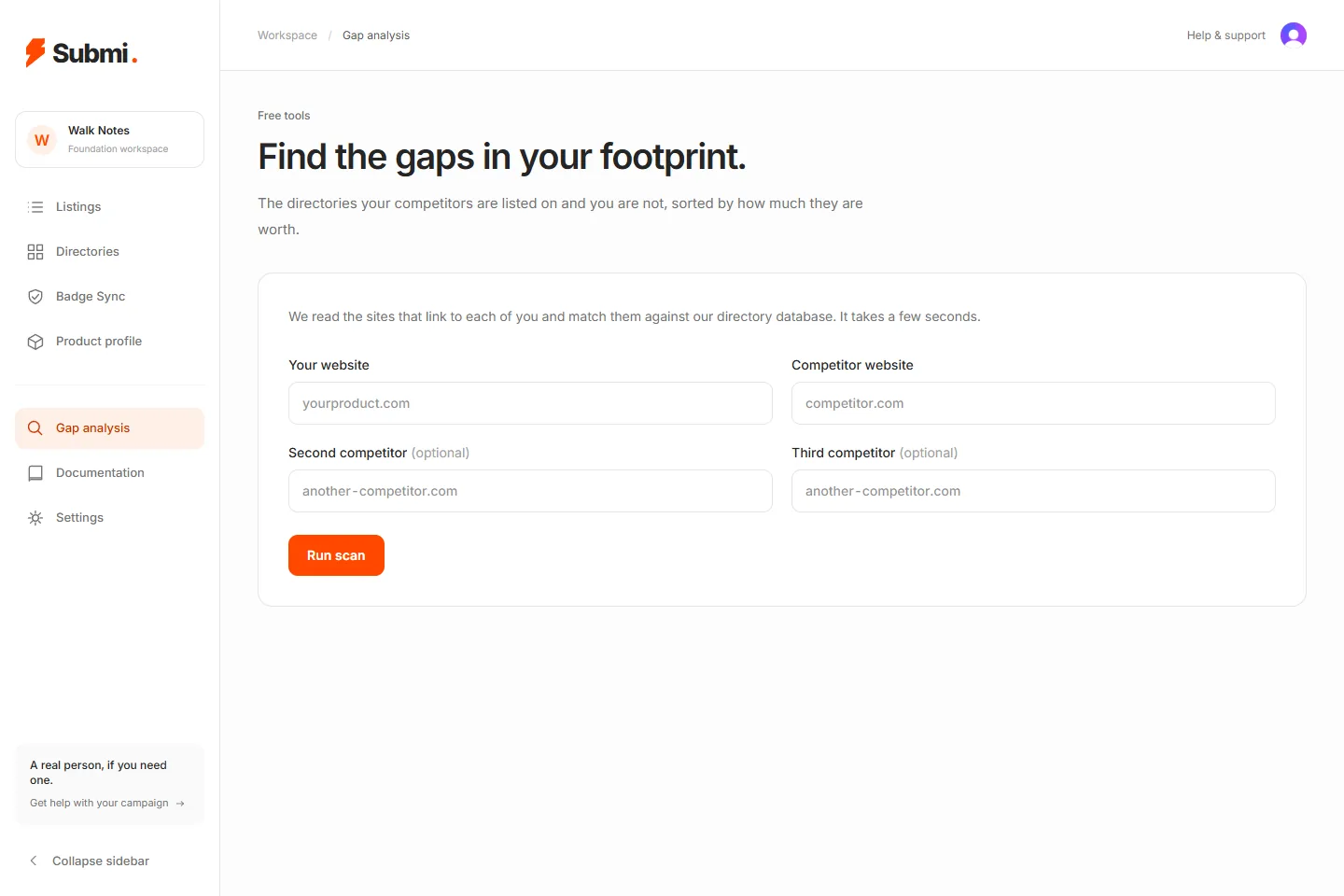
- 1Your website
- 2A competitor's website
- 3Run scan
- 2
Enter the websites
Your website, a competitor's, and up to two more competitors (optional). Press Run scan. It takes a few seconds.
- 3
Read the report
The heading says how many directories list your competitors and not you. Three tiles count the directories you are missing, the directories you are on (and how many of those you share with a competitor), and the combined DR of the gap. Coverage, side by side shows how many of our directories link to each site.
- 4
The missing directories
The table lists each directory in the gap with its DR, its link type and which of your competitors is on it.
- 5
Share or export
Copy the report's link to share it; anyone with the link can open it. Export CSV downloads the list. We also email you when a report is ready.
- 6
Your reports
Every finished scan is kept under Your reports on the Gap analysis page, with the websites compared, the number of gaps and the date. Press Open to see it again.
- 7
Limits
A free account includes 3 scans. Customers with a plan are not limited.
Questions
- Why is a directory I am already on in the gap?
- Backlink data comes from DataForSEO and can miss links it has not crawled yet, so a directory may appear here although you are listed on it. Check a directory's own rules before you submit.
- What is the combined DR?
- The sum of DR across the directories in the gap. DR is DataForSEO rank divided by ten.
Still stuck? Email hello@submi.io. A person reads every message.
Screens as of 2 Oct 2026.